How MyCardFlow Builds on eBay’s Tools for Card Sellers
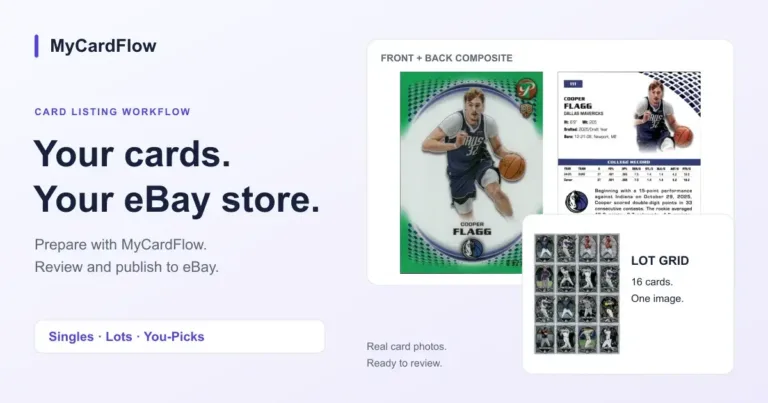
Use eBay’s research and seller tools alongside MyCardFlow to prepare card photos, review batches and publish singles, lots and You-Picks to your own account.

Practical how-tos for listing on eBay, plus product updates.
Use eBay’s research and seller tools alongside MyCardFlow to prepare card photos, review batches and publish singles, lots and You-Picks to your own account.
Build a weekly sports-card listing routine with MyCardFlow: organize batches, review card details, publish to eBay, and keep inventory ready for orders.
See the costs of selling $1–$5 sports cards on eBay and compare singles, lots and You-Pick with worked examples that include labor.
Turn sports card photos into eBay listing drafts. Capture both sides, check card identification, choose a price and review before publishing.
Bulk list sports cards as separate eBay listings. Organize images, review each card, check shipping and keep track of what goes live.
Review unsold sports cards before cutting prices. Check listing accuracy, recent comps, shipping and demand, then test a deliberate price change.
Set up Best Offer for sports cards, choose minimum and auto-accept amounts, and compare offers against your costs before accepting or countering.
Compare real auction and Buy It Now card sales. Use demand, bidding activity and your minimum acceptable price to choose an eBay listing format.
See how MyCardFlow combines AI card identification with checklist matching to flag parallel conflicts and refine insert names using two real scans.
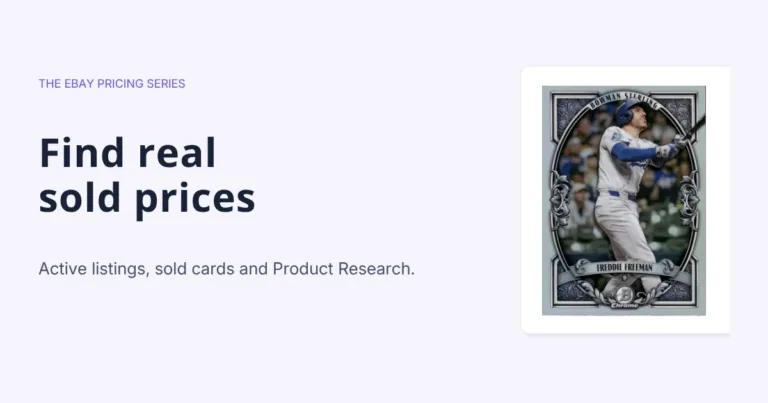
Compare active and sold sports cards on eBay, then check Product Research. Real screenshots show a $15 public display versus a $12 recorded sale.